Online Help Help Center home page
  1. Online Help
  2. Reviews Promoter
  3. Settings

Articles in this section

  • Where can I access my settings?
  • How do I embed reviews on my website?
  • How do I connect a social media platform in Get 5 Star Reviews?
  • How do I add or remove review platforms?
  • How do I disconnect a platform?
  • How do I add my Facebook Brand page?
  • What platforms can I auto share reviews?
  • What review platforms are available in Reviews Promoter?
  • What settings are available in Get 5 Star Reviews?
  • How do I connect a reviews platform?
See more

How do I add or remove review platforms?

  • September 23, 2021 18:03
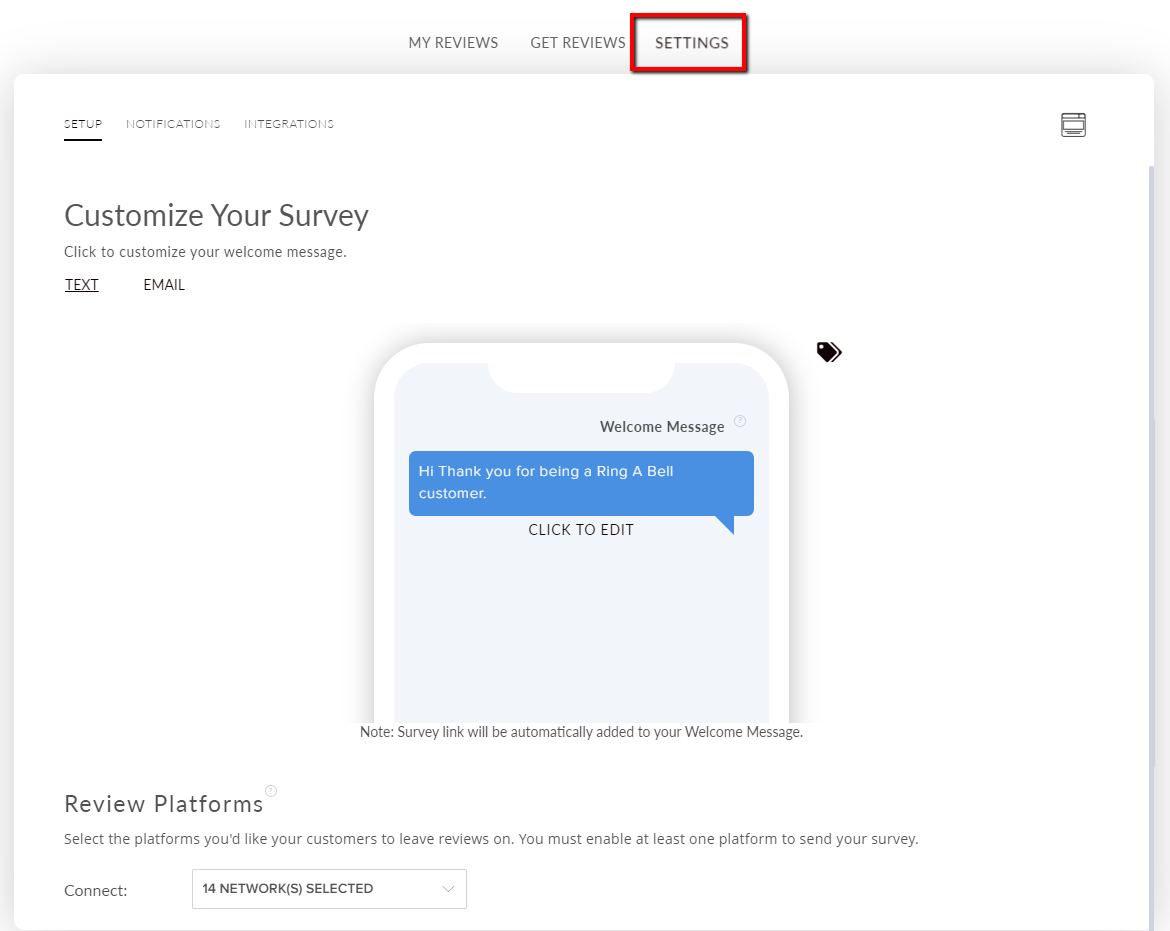
To add or remove review platforms, select the Get 5 Star Reviews tile.
 
Select the Settings tab.
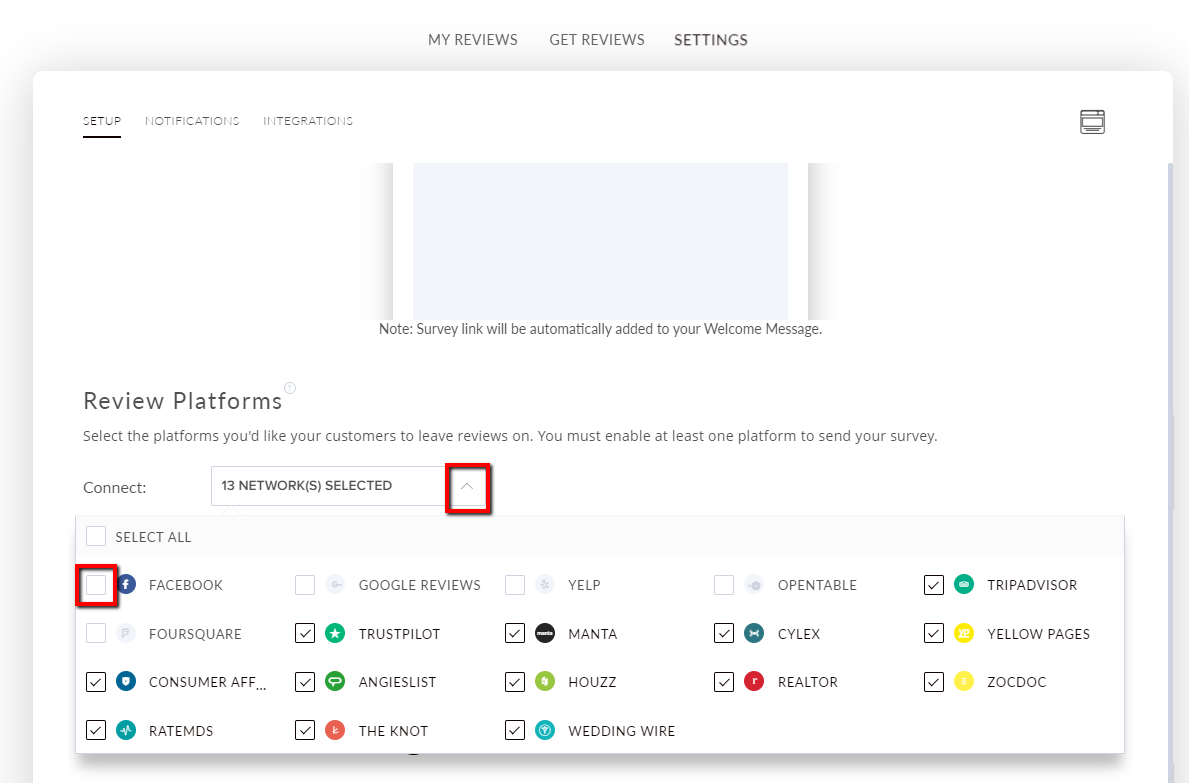
 Select the icon of the platform you would like to add.
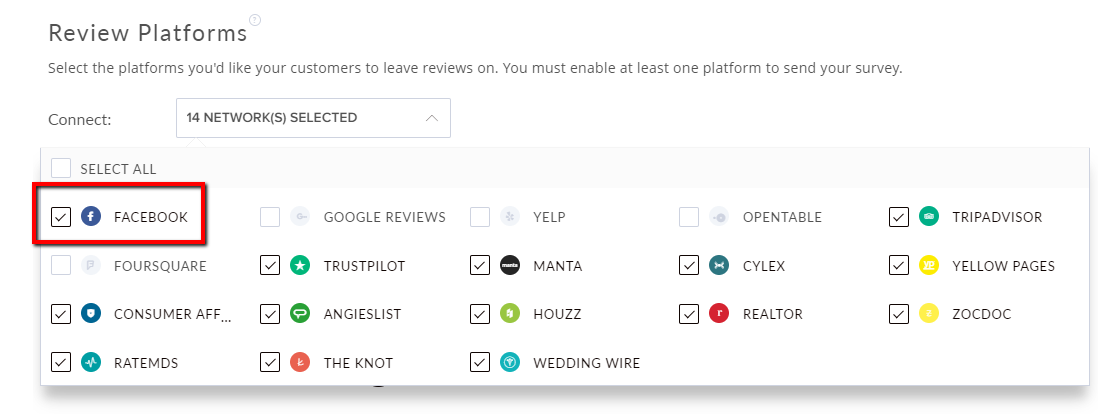
 Facebook has now been added. 
Was this article helpful?
0 out of 0 found this helpful
Return to top

Related articles

  • How do I disconnect a platform?
  • Designs & customising your design
  • Connecting Your Accounts
  • How do I preview a blog post?
  • Where can I access my settings?
Български
Dansk
Deutsch
Ελληνικά
Español
Español (México)
Français (Canada)
Français (France)
Hrvatski
Magyar
Italiano
Norsk
Português
Português do Brasil
Română
Shqip